As an admin you can switch between the funder console and the volunteer view, so you see exactly what your employees see, and sign up yourself.
Switch to the volunteer view
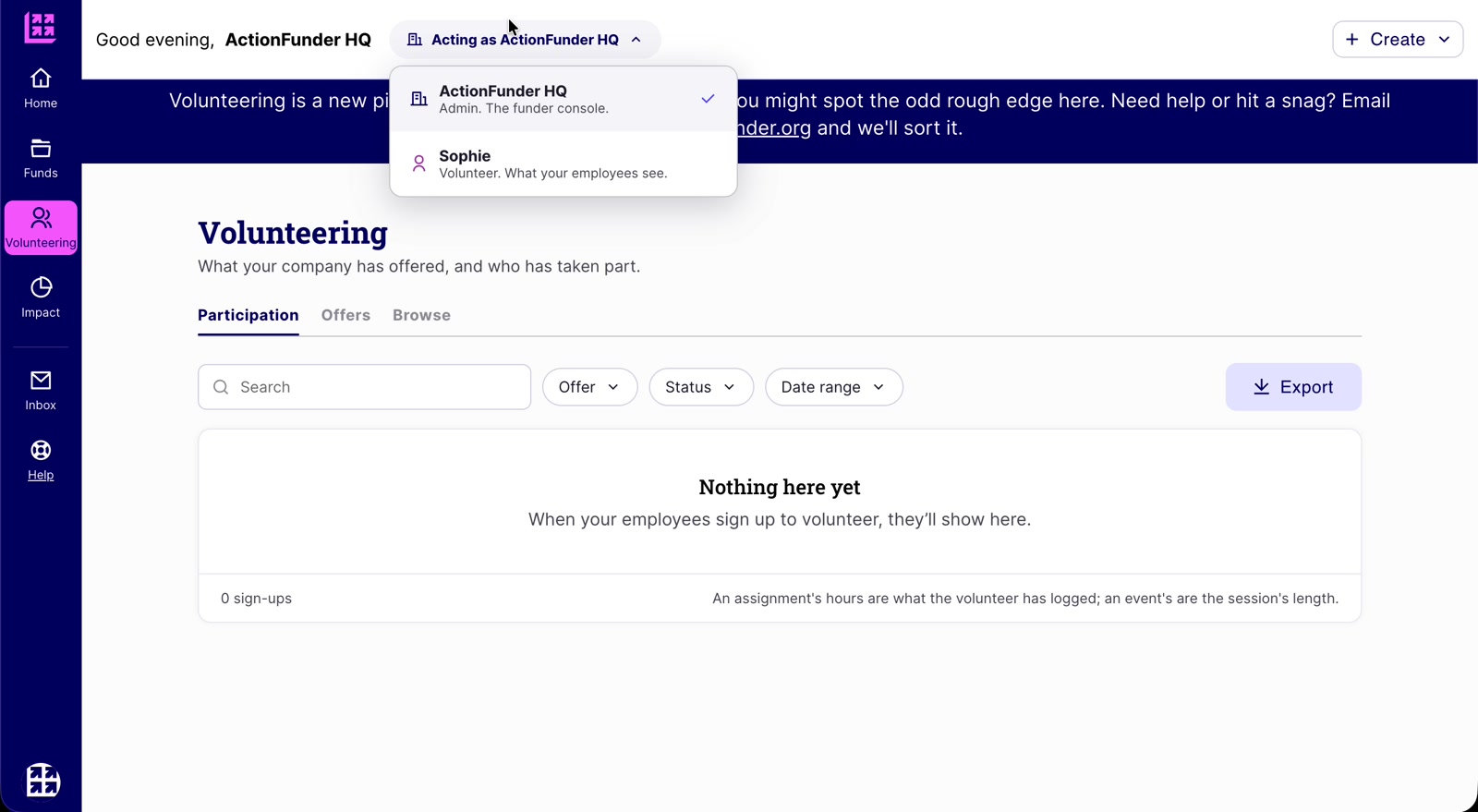
- Click Acting as [your organisation] at the top of the page.
- Pick your name, marked Volunteer. What your employees see.
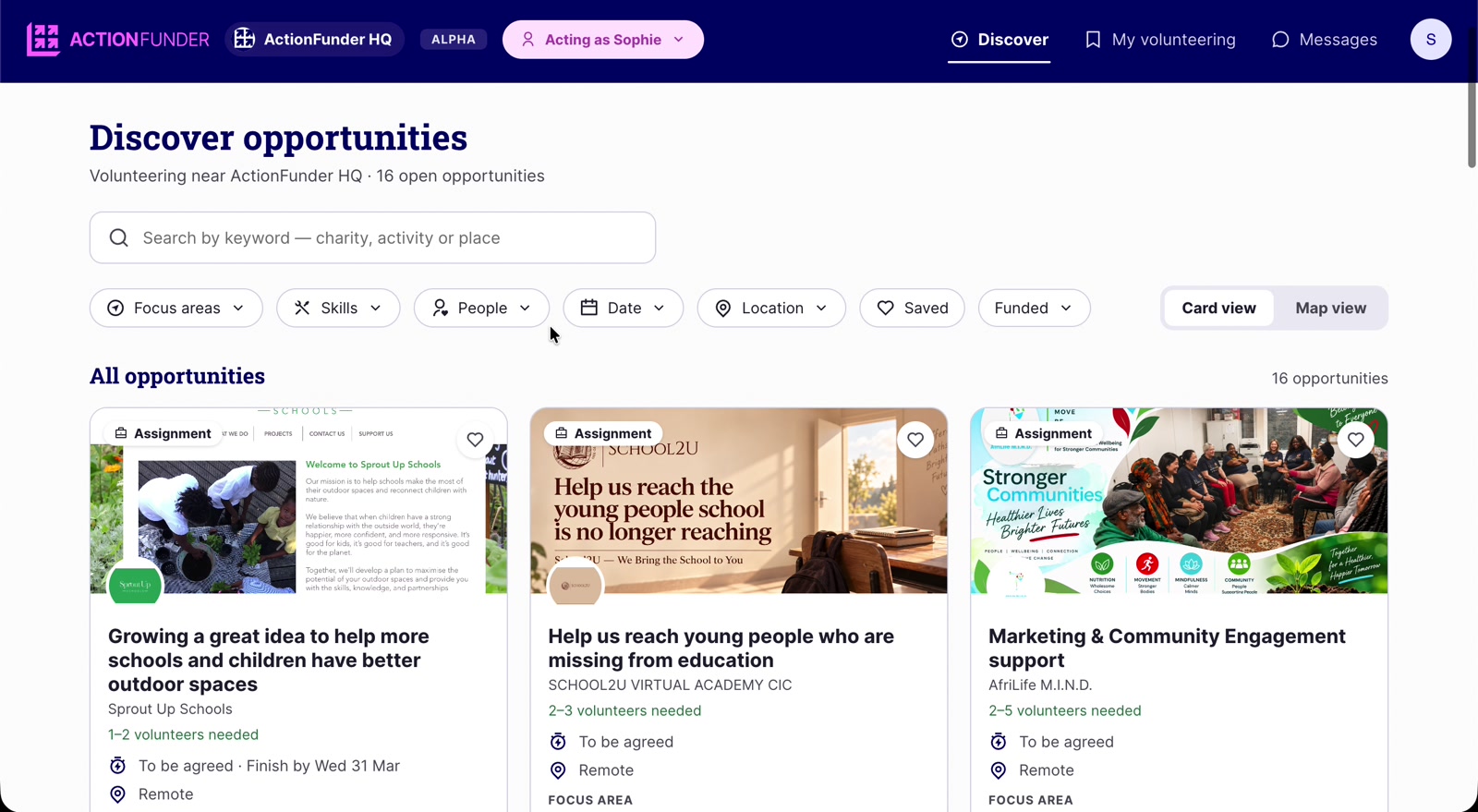
What the volunteer view shows
- Discover: the marketplace of opportunities that match your live offers.
- My volunteering: everything you’ve signed up to.
- Messages: conversations with non-profit organisers.
- You can sign up to opportunities here as a volunteer yourself.
Switch back
- Click Acting as [your name] at the top.
- Pick your organisation, marked Admin. The funder console.